Why motion designers are turning to AI now
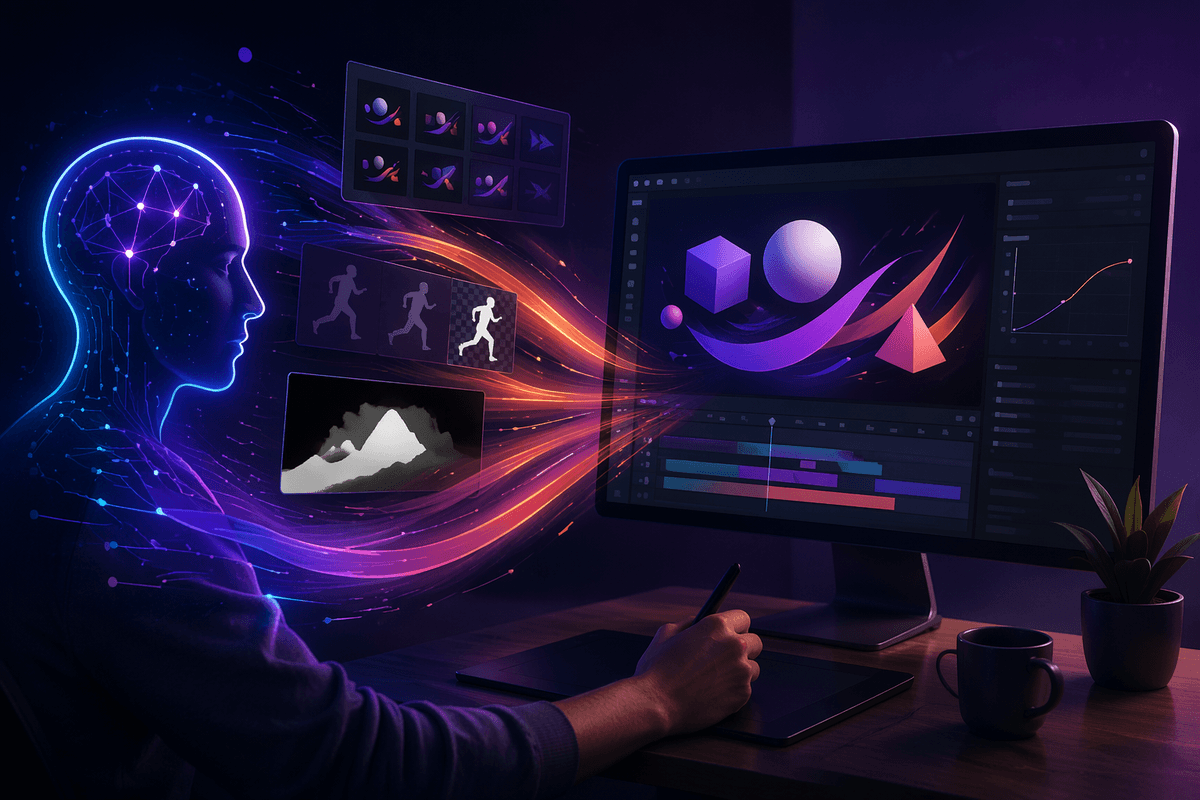
A familiar pattern has shown up across client work: timelines keep shrinking while the volume of deliverables grows. Social cutdowns, aspect-ratio variants, localization, and “just one more” tweak all land on the same schedule. AI tools are getting attention because they can take a bite out of the repetitive parts—generating rough motion ideas, speeding up roto and cleanup, and offering first-pass timing that would otherwise take hours to build by hand.
The shift is also practical. More teams are remote, more work is template-driven, and more projects need motion that feels custom without fully custom budgets. AI fits that gap when it’s treated like a draft engine, not an art director. These tools can add review time if the output drifts off-brand, breaks technical specs, or creates subtle artifacts that only show up once you’re in final comp.
Which animation tasks AI speeds up (and which it doesn’t)
A typical production day has two kinds of work: decisions you’re paid to make, and labor you’re paid to finish. AI tends to help most with the second category. It’s strongest when the goal is “get me close”: rough blocking from text or reference, quick pose or motion variations, and first-pass timing that gives you something to react to. It can also be a genuine win for rotoscoping, object tracking, matte refinement, and cleanup—especially when the shot count is high and perfection isn’t required on every frame.
It helps less when the task depends on precise intent and repeatability. Character acting, comedic timing, and choreography that must hit exact beats still need a human driving. Rigging and deformation can be assisted, but rigs still break in edge cases, and fixing those breaks can erase the time saved. Physics-style motion and transitions often look “fine” until you try to art-direct them, and then you’re fighting the tool instead of shaping a performance.
A useful rule: use AI to generate options and remove drudgery, then lock critical motion by hand where clients will notice inconsistency. Budget time for evaluation passes, because the real cost isn’t generating motion—it’s catching what’s subtly wrong before it ships.
Choosing the right AI approach for your pipeline
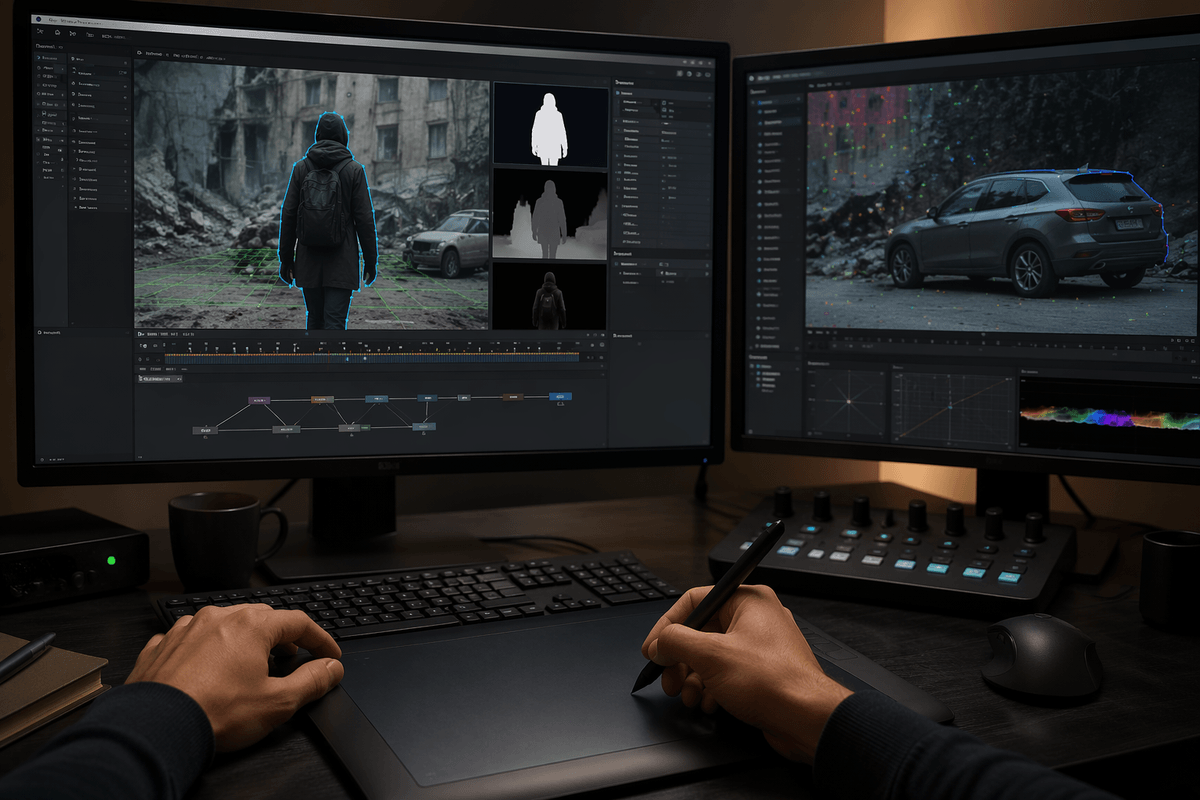
A practical way to choose tools is to map them to where your bottlenecks actually live: previs, asset prep, animation, or finishing. If you mostly do explainer-style graphics, you may get more value from AI that generates layout variants, timing suggestions, and text-to-motion tests than from character-focused systems. If your pain is footage-heavy work, prioritize roto, tracking, and cleanup models that integrate cleanly with your comp stack, export stable mattes, and don’t require constant re-training per shot.
Then decide what kind of “AI” you’re adopting: assistive features inside familiar software, a dedicated generation tool you import from, or an end-to-end system that owns the scene. The closer it sits to your timeline, the easier it is to art-direct and version. The trade-off is constraint: tightly integrated tools can be less flexible, while external generators add conversion steps, naming/version mess, and review overhead.
Run a small test on a real brief: one deliverable, one round of client notes, and a strict export spec. If the AI approach can survive revisions without forcing rebuilds, it belongs in your pipeline.
Keeping style and brand consistency when AI generates motion
You can feel the risk the first time a client asks for “more like our other campaign” and the AI output looks generically polished but not like you. Brand consistency in motion is usually a bundle of small choices: easing curves, overshoot, how type lands, how textures flicker, even how fast a transition breathes. Generators tend to average those decisions unless you give them hard constraints.
The practical fix is to treat style as a spec, not a vibe. Build a small motion style guide the AI can’t ignore: reference clips, approved timing ranges, easing presets, type scale rules, color/contrast limits, and a do-not-use list (common swooshes, default camera moves, stock glow). When possible, anchor outputs to templates: prebuilt transition rigs, brand-safe lower thirds, and locked typography comps that the AI only fills or times.
Curating references, creating guardrails, and reviewing for drift can take longer than the first “wow” demo, but it’s what prevents every variation from becoming a new visual language.
What changes when iteration becomes almost free
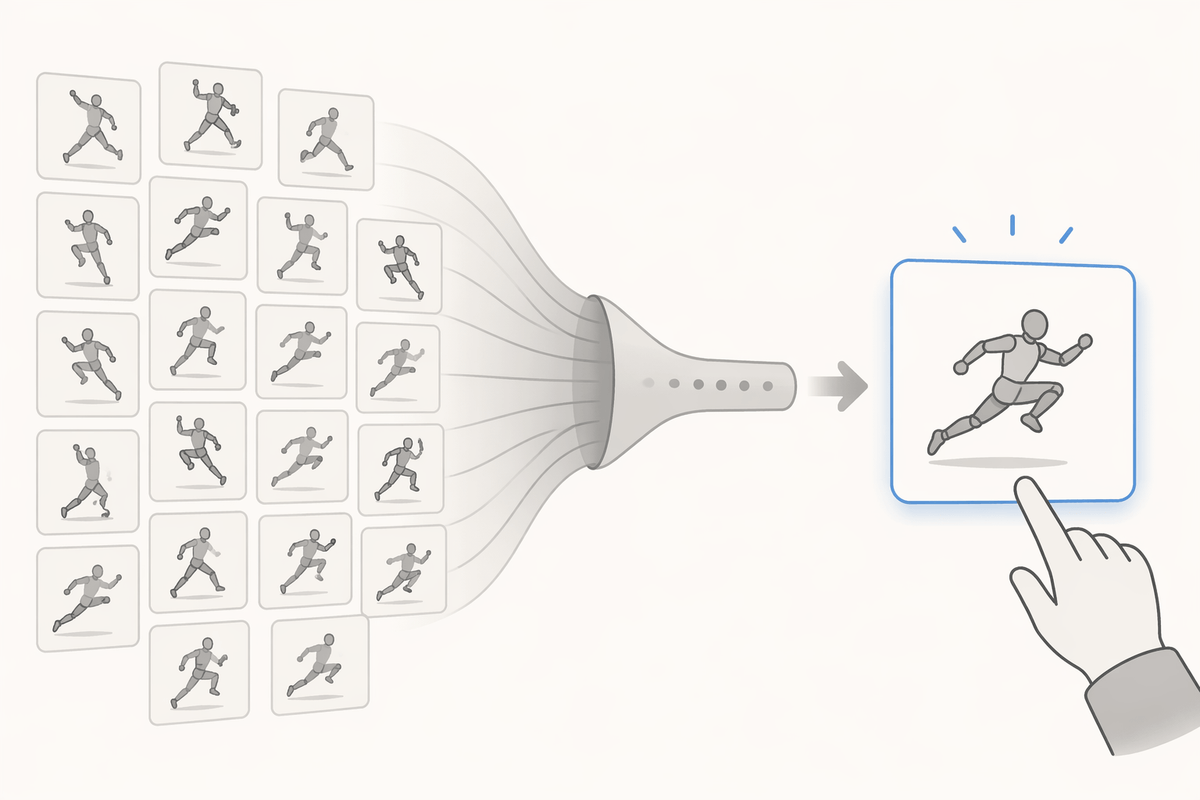
You notice the shift the first time you can generate ten timing options before lunch. The work stops being “how do we make this move” and becomes “which move is actually right.” That’s a real advantage for pitch decks, internal reviews, and early client alignment. You can test pacing against VO, try three transition families, or explore alternate character beats without committing to a full build. It also makes it easier to keep projects modular: instead of one precious hero animation, you can produce a small library of proven motions that get reused across cutdowns and formats.
But cheap iteration changes behavior. Stakeholders ask for “a few more” options because the tool makes it feel costless, and the decision-making time quietly balloons. Someone still has to watch, compare, label, and explain why version 7 is better than version 3. Storage, version naming, and review links become a practical constraint too, especially in small teams where one person is both animator and producer.
The operating principle is to make iteration fast but decisions strict: cap option counts, define what feedback is allowed per round, and lock what’s approved before generating more variations.
Quality control: avoiding uncanny motion and technical debt
You can usually spot “uncanny” AI motion in the same places clients do: weight shifts that don’t settle, arcs that almost track, and micro-jitter that reads as nervous energy. It gets worse after exports and re-timing, where tiny inconsistencies turn into visible strobing or mushy motion blur. A practical QC habit is to review at 100% speed and half speed, check silhouettes, and compare against one known-good reference clip from your own work—not the tool’s demo output.
Technical debt shows up when the generated result can’t be edited like a normal project. If you can’t relink assets, adjust easing, or preserve layer names and frame rates, every revision becomes a partial rebuild. Put guardrails on imports: require editable curves where possible, consistent naming, and clean mattes with handles. If the tool only outputs “baked” motion, reserve it for shots unlikely to change, because the time you save up front can get repaid with interest during client notes.
A practical way to start using AI without losing craft
A freelancer-friendly way to start is to pick one repeatable pain point—roto on testimonial cutdowns, matte cleanup for product shots, or first-pass timing for kinetic type—and run it as a parallel pass, not a replacement. Keep your normal process as the control, then compare time saved against correction time, especially on the second round of notes when things move.
Set a simple rule: AI can propose, you commit. Treat generated motion like reference footage: you can trace it, refine it, or reject it, but you still own the curves, spacing, and final beats. Limit use to deliverables with clear specs, and budget for QC and version management, because “almost free” generation still has a real review cost.