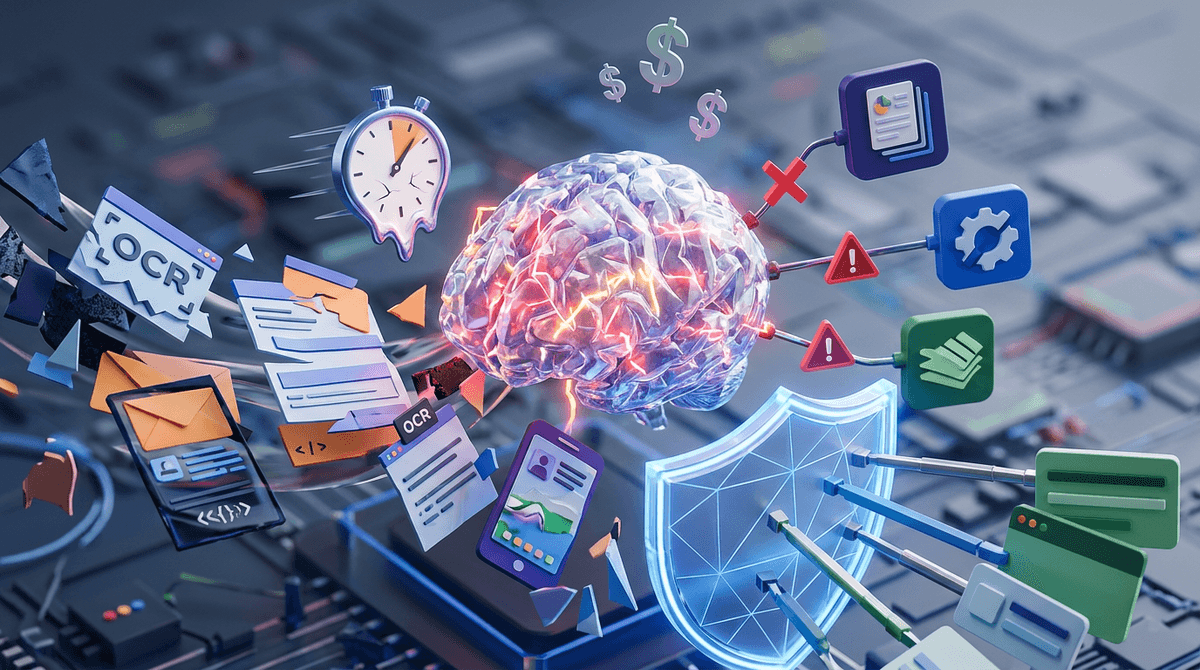
You already have dashboards—so what will “AI” actually change tomorrow?
You already have dashboards that track KPIs, and the routine is familiar: someone notices a number moved, asks why, then a meeting turns into a search through filters and tabs. “AI” only matters tomorrow if it changes that loop in a concrete way—by adding a forecast next to the KPI, flagging which accounts or patients to look at first, surfacing an odd pattern you wouldn’t think to query, or drafting a plain-language summary you can act on.
That convenience has a cost. A wrong alert can send a team chasing noise, and a confident summary can hide uncertainty if it doesn’t show what data it used. The real question isn’t whether AI looks smart—it’s which person will see the new signal, at what moment, and what decision they can make faster because of it.
When a prediction shows up next to a KPI, who is it for—and what decision does it unlock?
That “which person” question gets sharp when a forecast appears beside a KPI. In practice, a daily ops manager sees “on-time delivery will miss by 3%” and asks what to do before the miss happens; an executive sees the same number and asks whether to change targets or funding. If the prediction doesn’t map to a specific action window, it turns into another line on the dashboard.
Make the forecast earn its space by pairing it with an unlocked decision: expedite these ten orders, schedule two extra nurses for Tuesday, call these at-risk customers today. If you can’t name the owner, the trigger, and the playbook in one sentence, you’re not deploying decision support—you’re adding decoration.
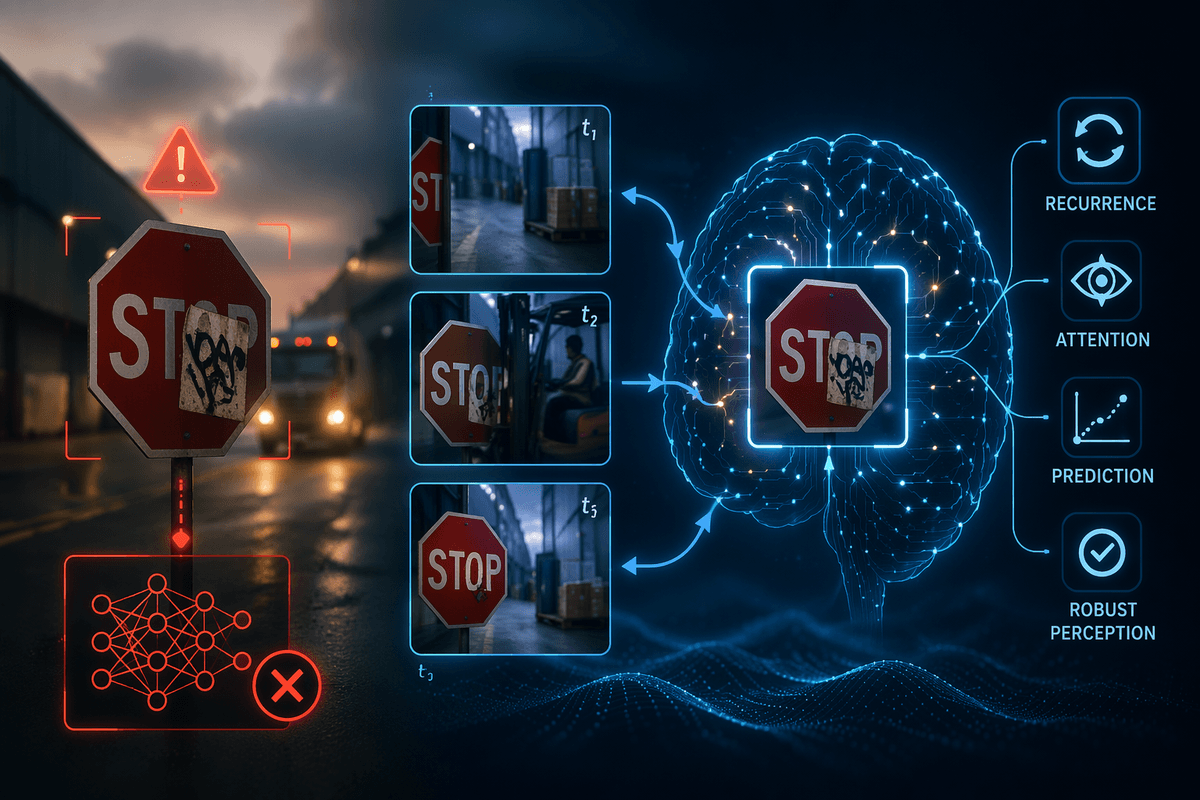
There’s also a practical snag: predictions are often least reliable exactly when leaders care most, like after a process change or during a surge. If the model can’t show confidence bands and the inputs it leaned on, you’ll end up arguing about the number instead of acting on it.
The first time AI reorders your worklist: prioritization that feels helpful vs. intrusive
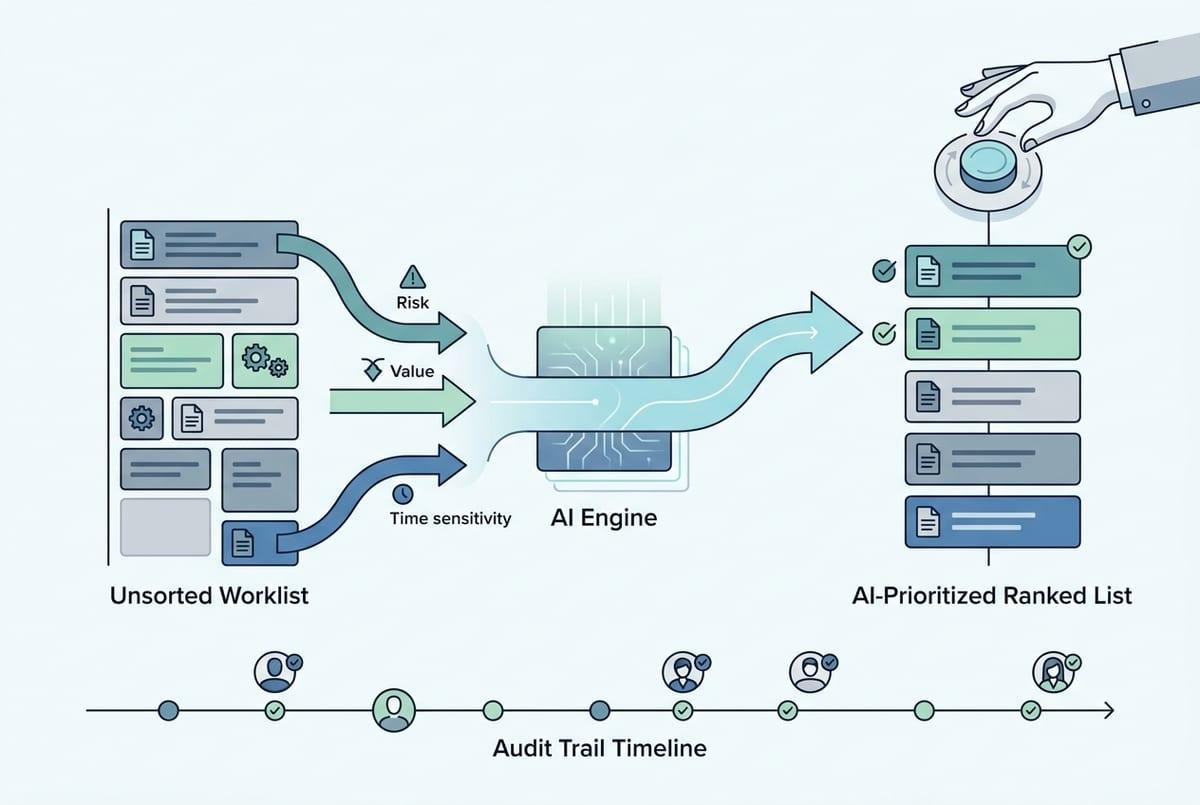
If you can name the owner and the playbook, the next pressure point is obvious: the tool starts telling that owner what to do first. In a familiar morning routine, a supervisor opens a queue, sorts by a simple rule, and starts calling down the list. AI-driven prioritization changes that by pushing a reordered worklist—“these ten need attention now”—based on risk, value, or time sensitivity.
It feels helpful when the ranking matches what experienced staff would do anyway, just faster, and when it explains the “why” in plain terms (missed appointment history, inventory delay, rising length of stay). It feels intrusive when it quietly overrides local judgment, or when people can’t tell whether it’s optimizing for cost, quality, throughput, or compliance. Then the first reaction is to game it, ignore it, or shadow it with a manual list.
Plan for the real-world friction: you’ll need a way to override, audit who followed the list, and handle edge cases that aren’t in the data yet. Once the list starts moving, the surprises tend to show up in what the model noticed that no one was tracking explicitly.
Pattern detection is where the surprises hide—are you ready to act on them?
Once the list starts moving, someone will ask why a certain cohort keeps bubbling up even when the usual drivers look fine. That’s where pattern detection shows its teeth: it surfaces clusters, correlations, and outliers you didn’t think to filter for, like a single supplier’s parts tied to rework, or readmissions spiking for one discharge shift without a clear clinical flag.
It only helps if there’s a path from “interesting” to “do something.” If an anomaly points to a process break, who opens the ticket, who validates the data, and what’s the acceptable false-alarm rate before teams stop paying attention? In healthcare ops, for example, a pattern might suggest a unit-level bottleneck, but changing staffing or discharge timing may run into union rules, bed availability, or physician schedules.
Build a triage lane: confirm the signal, attach evidence people trust, then route it to an owner with authority to test a fix. Otherwise, the system will keep finding surprises you can’t safely act on.
Summaries and copilots: faster decisions, or faster misunderstandings?
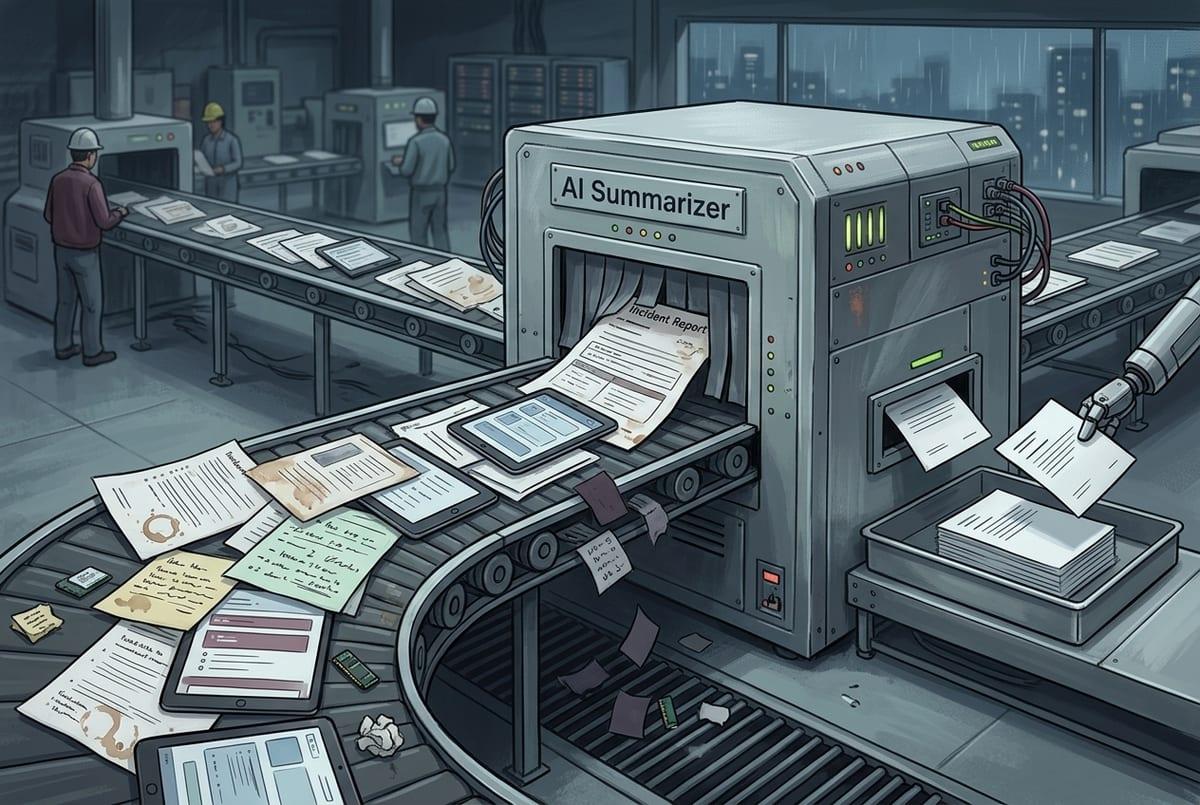
That triage lane is also where summaries and copilots get tempting: people want a two-paragraph “what happened and what to do” instead of another screenshot-heavy thread. In a standup, someone pastes a copilot answer into chat—“volume is up because of X, recommend Y”—and the room moves on. Time saved is real, especially when the same question repeats across shifts.
The failure mode is quiet. A summary can flatten edge cases, mix time windows, or cite a driver that’s only weakly tied to the outcome, and it will still read as clean and decisive. If the copilot can’t show sources (which dashboards, tables, and dates), you can’t spot when it skipped a key filter, like excluding canceled orders or including observation stays.
Make copilots earn trust in small steps: require citations, let users click back to the underlying view, and log what question was asked and what answer was given. If that plumbing isn’t ready, the “faster” part shows up long before the “correct” part.
Before you pilot, answer these integration questions—or the model becomes shelfware
If that plumbing isn’t ready, the pilot usually dies in a more boring way: the model works in a demo, then no one sees it where work actually happens. A forecast that lives in a separate portal won’t change a morning huddle. A copilot that can’t pull the right slice of data will get used once, then ignored.
Before you build anything, answer a few integration questions in plain language. Where will the output show up—inside the dashboard people already open, inside the queue they already work, or in a ticketing tool? What’s the trigger—on refresh, on schedule, or only when a metric crosses a threshold? What data does it need that you don’t reliably capture today (timestamps, reasons, disposition codes), and who will fix it when a feed breaks at 2 a.m.?
Then get specific about oversight. Who can override the recommendation, and what happens after an override—does the system learn, or does it just log? How will you monitor drift after process changes, and how will you handle access controls when the model needs PHI or customer data? If you can’t answer these, the safest “pilot” becomes a slide deck, not a workflow.
Choosing 1–2 pilots you can defend: measurable lift, controlled risk, real workflow change
If you can answer those integration and oversight questions, the shortlist usually gets smaller on its own. Pick one pilot where the decision already happens daily and you can measure a before-and-after without debate: fewer missed visits, faster discharge, fewer expedites, lower denials, shorter time-to-close. Tie it to a single owner and a clear trigger, then define what “better” means in one metric and one guardrail (like no increase in complaints, safety events, or overtime).
Keep the second pilot different in kind, not just in department—say, prioritization in a live queue plus a cited summary for shift handoffs. Expect some cost: instrumenting overrides, fixing missing timestamps, and training staff to challenge the output takes time. If you can’t change the workflow in a controlled way, the model won’t get a fair test.