Why AutoML feels like a shortcut—and why it isn’t
AutoML feels like a shortcut because the demo is usually clean: upload a dataset, pick a target, click “train,” and watch a leaderboard appear. That experience can make it seem like model-building is now a solved problem. What’s actually happening is narrower: the tool is trying many standard recipes—preprocessing, algorithms, and hyperparameters—and selecting what scores best under the evaluation you gave it.
If the target is ambiguous, the data is biased or incomplete, or the split doesn’t match how the model will be used, AutoML will confidently optimize the wrong thing. It also isn’t free: the search can cost real time and cloud spend, and the “best” model can be harder to explain, debug, and monitor once it’s in production.
What AutoML automates (and what still needs you)
Picture a team that needs a quick churn predictor. AutoML will usually handle the heavy lifting you don’t want to hand-code: trying multiple model families, building end-to-end pipelines (imputation, encoding, scaling), tuning hyperparameters, and sometimes blending winners into ensembles to squeeze out a bit more accuracy. It will also track experiments and produce a ranked set of candidates under a chosen metric.
What it won’t do is define “churn” in a way that matches your business rules, decide which data is legitimate to use at prediction time, or protect you from leakage if labels or timestamps are messy. You still own the split strategy, the cost of errors, and whether the model is acceptable to deploy (latency, stability, interpretability, and monitoring). AutoML can search fast, but it can’t judge consequences.
When AutoML is a great fit versus a risky choice
AutoML tends to shine when the problem is well-scoped and repeatable: a tabular dataset, a clear target, and a straightforward prediction moment (for example, “will this customer renew next month?”). It’s especially useful when you need a strong baseline quickly, want to compare a few reasonable metrics, or need to standardize modeling across many similar products or regions. In these cases, the value is speed and coverage—getting to “good enough” without hand-tuning every option.
It gets risky when the dataset quietly breaks the assumptions: time-order matters, policies change, labels are delayed, or the “right” objective is a business trade-off (fraud loss versus customer friction). AutoML can also mislead when deployment constraints dominate—tight latency, strict interpretability, limited feature availability at inference, or regulatory review. It may find a winner that looks great on paper but is expensive to run, hard to explain, or brittle once the data shifts.
Inside the AutoML “search”: pipelines, tuning, and ensembles

On the surface, the AutoML “search” looks like a leaderboard. Underneath, it’s usually generating many candidate pipelines: a sequence of preprocessing steps (handle missing values, encode categories, scale some fields) followed by a model type. Each candidate then gets hyperparameter tuning, which is just systematic trial-and-error over settings like tree depth, regularization strength, or learning rate, scored on your chosen metric and split. Some tools use grid or random search; others use smarter methods that try to spend more time where early results look promising.
Once a few candidates perform well, AutoML often adds ensembles—stacking or blending multiple models—to reduce variance and squeeze out extra points. That can be great for accuracy, but it increases training time, cloud cost, and operational complexity. A single “best” pipeline is usually easier to explain, serve, and debug than an ensemble with many moving parts.
Data preparation choices that quietly dominate AutoML results
A common surprise is that “model choice” matters less than the dataset you hand the tool. If your table mixes “known at signup” fields with “known after the outcome” fields (like refund status), AutoML will happily use them and look brilliant. The same goes for IDs that encode geography or acquisition channel, and timestamp fields that accidentally reveal the future. AutoML can’t reliably tell what’s legitimate at prediction time; you have to draw that boundary.
Small preparation decisions also swing results: how you define missingness (unknown versus zero), how you group rare categories, whether you cap outliers, and whether you aggregate events into a consistent prediction window (last 7 days, last 30 days). These choices take time, require domain input, and can cost real engineering effort—especially when features must be recreated exactly in production.
Evaluation pitfalls: leakage, splits, and metric mismatch
You can often tell something is off when the AutoML leaderboard looks “too good” compared to what the business experiences. The most common reason is leakage: the model is getting hints from the future through the split or the features. Random train/test splits on user-level data can leak when multiple rows come from the same customer, when labels arrive late, or when aggregates accidentally include events after the prediction moment. AutoML will treat that as signal and reward it with high scores.
Splits also need to match how the model will be used. For time-based problems, you usually want a forward-looking split (train on earlier periods, test on later ones) and sometimes a “grouped” split so customers, merchants, or devices don’t appear in both sets. Finally, metric mismatch can sink an otherwise solid model: optimizing AUC when you care about a top-k review queue, or optimizing accuracy when false positives are costly. AutoML won’t infer your error costs; you have to encode them.
Choosing a tool and setting guardrails for real-world use
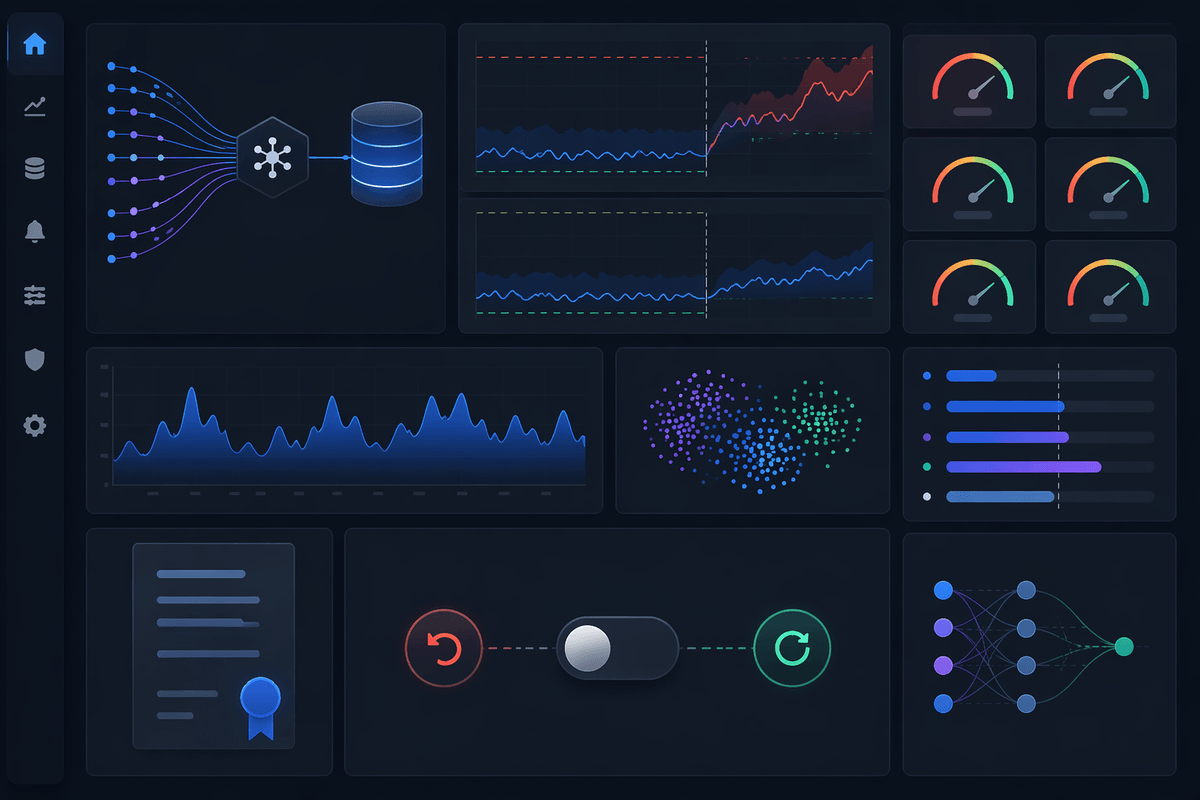
A familiar moment is comparing AutoML tools and realizing the “best” one depends less on the leaderboard and more on how it fits your workflow. Start with where your data lives and where predictions will run: a cloud-native AutoML service can reduce setup and monitoring work, while an open-source library can be cheaper and more flexible but demands more engineering time to productionize. Also check what the tool exposes: feature importance, model cards, reproducible pipelines, and the ability to export artifacts matter when you need review, debugging, or audits.
Guardrails are what keep the search honest. Require a split strategy that matches reality (time-based or grouped), freeze an “allowed features” list so leakage can’t sneak in, and set constraints up front (latency budget, maximum model size, required interpretability). Put a hard cap on training spend, and insist on a simple baseline model alongside the winner. Finally, treat deployment as a contract: log inputs, monitor drift and performance, and define when the model must be retrained or rolled back.
A practical way to start: treat AutoML as your baseline engine
The familiar failure mode is treating AutoML’s top score as a finish line. Treat it as your baseline engine: run AutoML early with a realistic split, a short list of allowed features, and a metric tied to an operational decision (review capacity, retention offer budget, fraud cost). Use the best candidate to set a bar for what “good” looks like and to surface which fields matter, then sanity-check the result with a simple hand-built model and a small set of stress tests (time-shifted data, cold-start users, missing fields).
Lock in what you’ll ship before you optimize: inference latency, feature availability at prediction time, and how you will reproduce the same transformations in production. Expect friction here—exporting pipelines, rebuilding features, and setting monitoring often takes longer than the AutoML run itself. When AutoML beats your baseline by a meaningful margin under those constraints, you have a strong case to deploy; when it doesn’t, you’ve still learned quickly and cheaply where the real bottleneck is.