Why manipulated images are harder to spot now
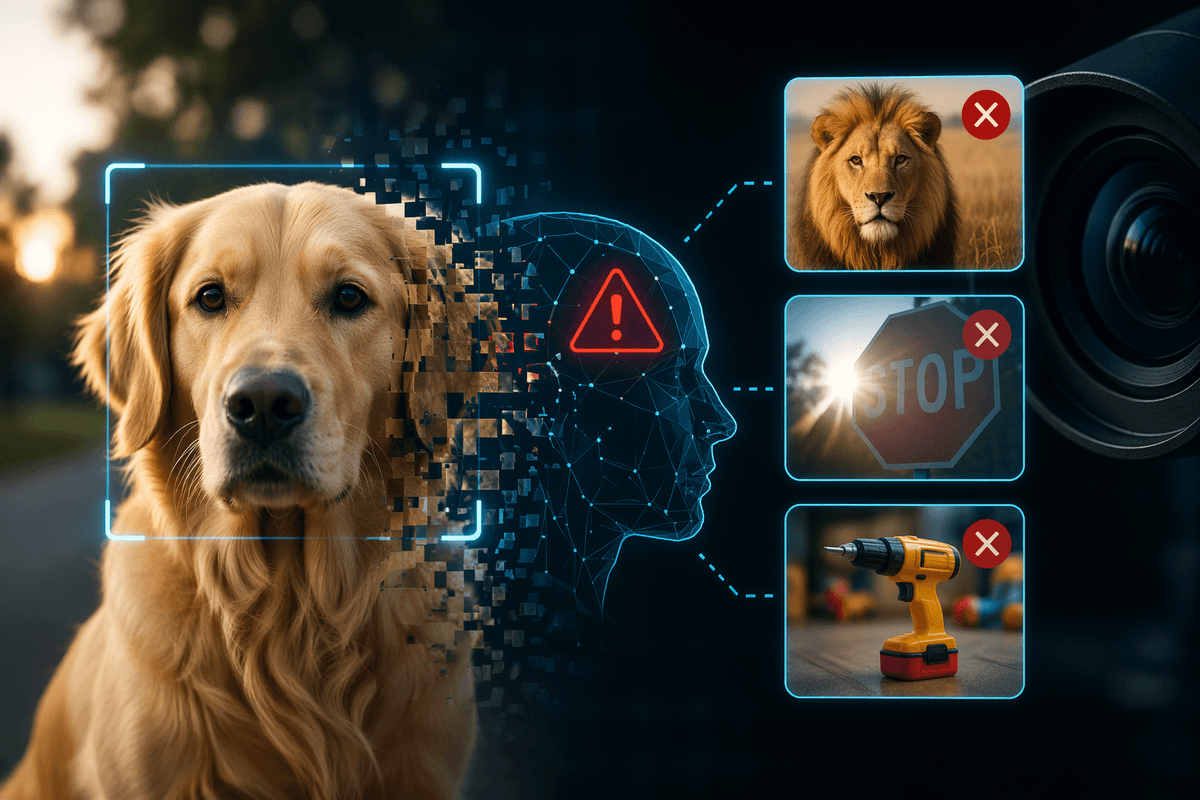
You’ve probably zoomed into a suspicious image expecting to catch obvious blur, mismatched lighting, or jagged cutout edges. More often now, there’s nothing to “find,” because modern editing tools can blend changes into the natural noise, lighting, and texture that your eyes rely on. Generators can also create a full scene that never had seams in the first place, so the usual “bad Photoshop” tells don’t appear.
Distribution makes it worse. By the time an image reaches you, it may have been cropped, resized, filtered, and compressed through multiple apps and reposts—steps that can erase the subtle artifacts detectors look for and also introduce new ones that resemble manipulation. Verifying images is increasingly about context and consistency, not just pixels.
What counts as manipulation (and what doesn’t)
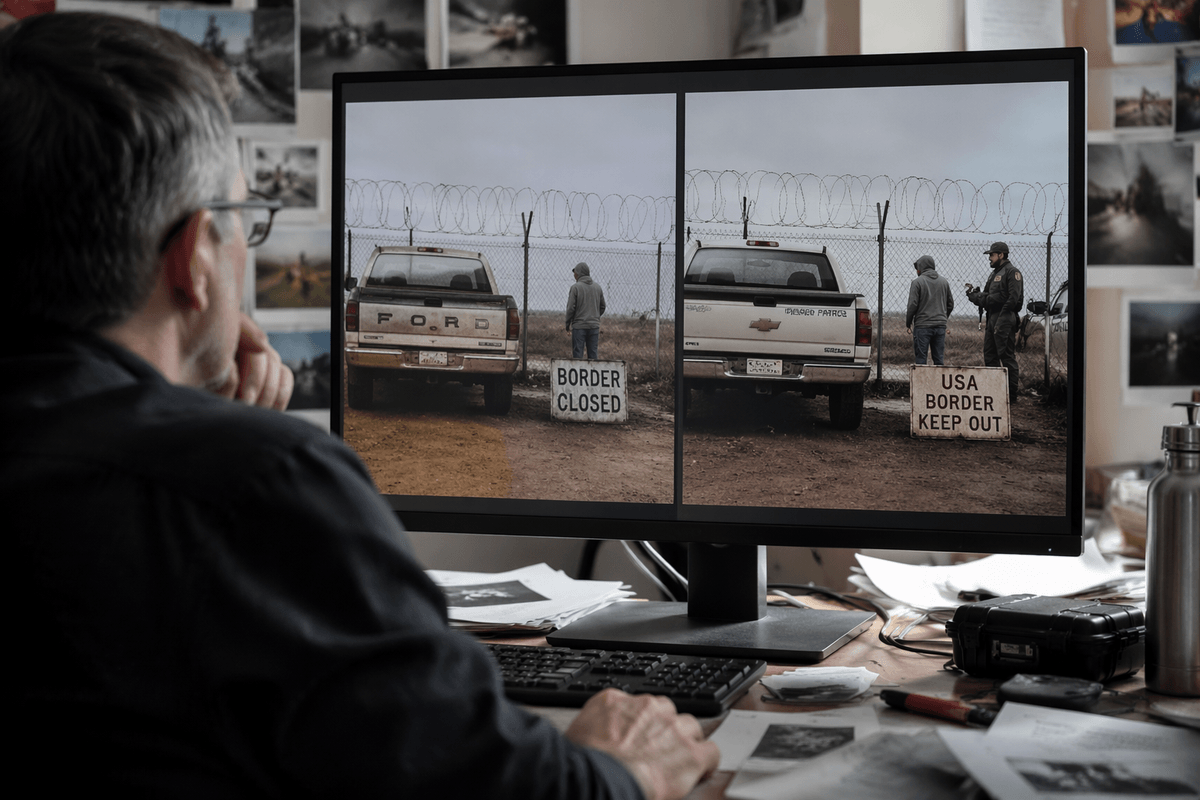
A useful first split is between “content changes” and “presentation changes.” Content changes alter what the image claims happened: adding or removing a person, swapping a logo, moving an object, changing a sign’s text, or splicing two scenes together. AI-generated images and deepfakes fall here too, because the pixels are synthesized to depict events that never occurred.
Presentation changes are edits that don’t change the underlying claim: cropping for layout, mild exposure or white-balance correction, straightening a horizon, reducing red-eye, or compressing for faster upload. These can still matter—an aggressive crop can hide key context, and heavy “beauty” filters can mislead about a person’s appearance—but they’re different from fabricating evidence. The hard cases sit in the middle: selective blurring, background replacement, and “enhancement” that invents detail.
How AI detection works: the signals models look for
You’ve likely seen “AI detector” labels that feel definitive, but most image detectors are doing pattern recognition on clues that correlate with known editing or generation methods. Some look for inconsistencies in noise and grain: real camera sensors produce a fairly consistent texture across the frame, while pasted regions or generated areas can have a different noise profile. Others analyze lighting and shadows for small contradictions, or check whether edges and fine details (hair, text, jewelry) show the kinds of rendering mistakes that generators and aggressive retouching often leave behind.
Many detectors also use “camera fingerprint” ideas in a looser way, asking whether the image statistics resemble a natural photo pipeline. They may flag odd color correlations, repeated micro-patterns, or signs that parts of the image were resampled differently. Watermark-style signals exist too (sometimes intentionally added by model makers), but you can’t count on them being present.
A detector can be right for the wrong reason, and it can be wrong when a real photo has heavy denoising, HDR, or strong filters—common in everyday smartphone images.
Where detection breaks: compression, resizing, and reposting
A familiar failure case is the “looks fine on screen” image that’s been saved, screenshotted, and reuploaded a few times. Each pass through JPEG compression shaves off subtle texture and replaces it with blocky patterns and ringing around edges. Those artifacts can mask the tiny noise mismatches detectors rely on, and sometimes create false signals that resemble splicing or generation.
Resizing adds another layer of confusion. Downscaling can erase telltale issues in hair, eyelashes, and small text; upscaling can invent smoothness and repeated detail that wasn’t there. Cropping also removes context that helps both humans and tools—like consistent lighting across the full scene or metadata that ties the image to a camera.
Reposting through social platforms can strip metadata and apply undisclosed processing. You may need to hunt for the earliest available upload or original file, because detectors are generally most reliable on first-generation images, not heavily “handled” ones.
Choosing tools: forensic software, platforms, and APIs
You’ve probably tried a quick “AI or not?” website and gotten a confident-looking score. Treat those as triage, not a verdict. They’re useful for catching obvious model-generated images, but they rarely tell you what evidence they relied on, and they can struggle with screenshots or heavily compressed files. If you’re making a publish-or-escalate decision, you want tools that show their work.
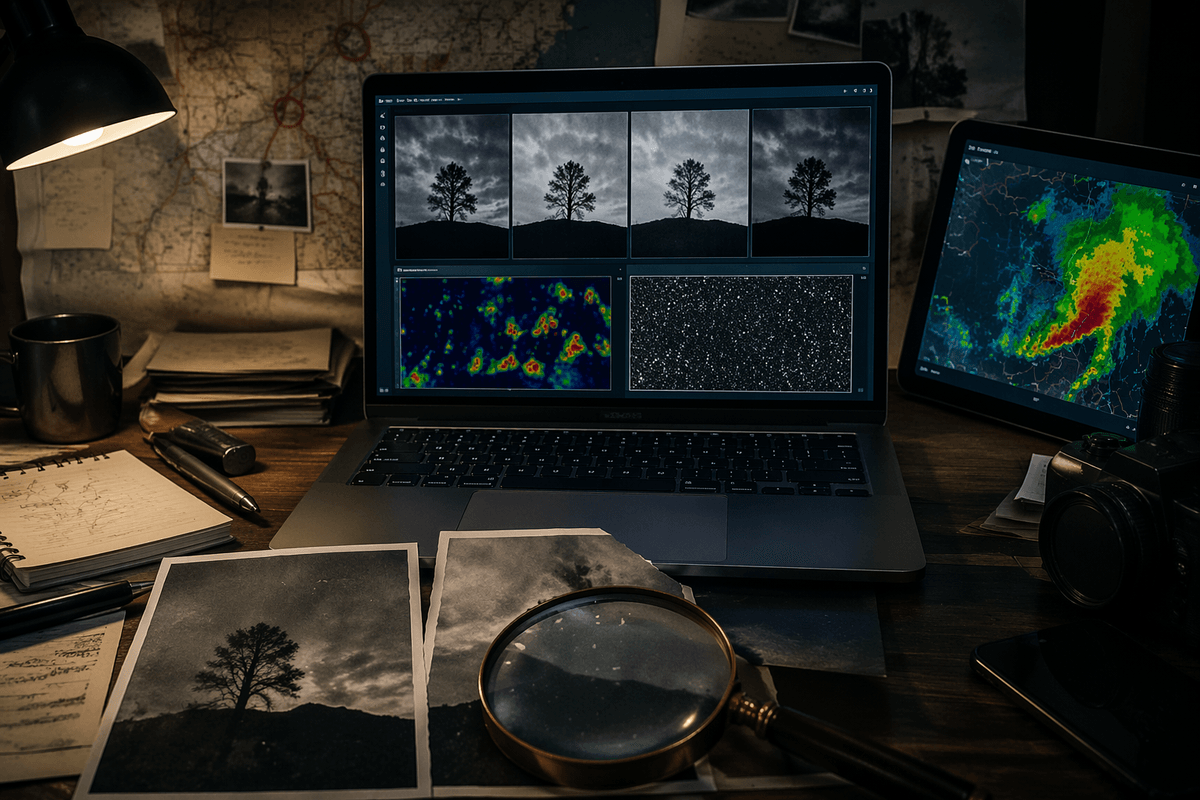
Forensic desktop tools and specialized web suites tend to be better for that because they expose multiple views: error-level analysis, noise and resampling checks, clone detection, and metadata inspection. None of these are magic—ELA in particular is easy to misread on modern JPEGs—but seeing several signals line up is more informative than one “percent AI” label. The main cost is time and training, plus access to the highest-quality version you can get.
Platforms and APIs fit when you need scale: moderation queues, brand monitoring, newsroom intake. Models and thresholds change, and your results may vary by content type, region, or compression level. If you use an API, log inputs, versions, and confidence, and pair it with at least one independent check (reverse image search, source tracing, or a second model).
A practical verification workflow for high-stakes images
When an image could drive a headline, a takedown, or a legal claim, start by protecting the evidence. Save the file as-is, record where you found it, and avoid re-screenshotting or reuploading it, which can destroy the very signals you’ll need. Then try to obtain the earliest, highest-quality version: the original post, a direct upload from the photographer, or a file sent over email or a cloud link. If you can’t, note that up front, because “handled” images should lower your confidence.
Run a layered check that forces the image to agree with itself. Do a reverse image search to see if it appeared earlier in a different context, and look for matching frames from video or related photos from the same event. Inspect metadata when available, but treat it as suggestive, not proof. In forensic tools, compare multiple indicators—noise consistency, resampling, clone regions, and localized compression differences—rather than leaning on a single heatmap or “AI score.”
Close with a reality check that pixels can’t answer: does the claimed time and place match weather, uniforms, signage, known landmarks, and the uploader’s history? If the workflow can’t reach a stable conclusion, the practical choice is to slow down: label it as unverified, seek a second source, or don’t use it.
Interpreting results responsibly and communicating uncertainty
You’ll often end up with mixed signals: one tool flags “likely AI,” metadata is missing, and reverse search finds nothing. Treat that as a description of evidence quality, not a verdict. A reasonable stance is to separate what you know (file is a reposted JPEG, no original available) from what you infer (generation is plausible), and then say what would change your mind (first-upload file, additional angles, confirmation from a credible witness).
Communicate results in plain language that matches the decision at hand. Instead of “this is fake,” say “we can’t verify the source; automated analysis found patterns consistent with synthesis, but heavy compression can cause similar flags.” If you must quantify, use ranges and conditions (“more reliable on original files than screenshots”). The practical constraint is social: uncertainty invites pushback, so log your steps and keep screenshots of tool outputs to show your basis without overselling certainty.
What to do next: build layers, not silver bullets
The workable mindset is “defense in depth.” Use cheap checks first (source tracing, reverse search, basic metadata) and only escalate to deeper forensics or an API review when the decision warrants the time and cost. Put policy around what “enough” looks like: what confidence is required to publish, to label as unverified, or to remove.
Expect detectors to age quickly. As generators change and platforms re-encode images, yesterday’s strong signal becomes today’s noise, so bake in periodic re-testing on your own real examples. Keep originals when you can, log tool versions and outputs, and avoid turning a single score into a headline. The practical goal isn’t certainty; it’s reducing avoidable mistakes before you amplify an image.